
Simplifying UFR Reporting for Massachusetts Nonprofits

Do you see the next Uniform Financial Report (UFR) deadline approaching and immediately feel a sense of dread? Complex allocations, bridge schedules from your general ledger (GL) to UFR categories, and now a new reporting system: it’s enough to give any nonprofit finance leader a pit in their stomach.
And rightfully so, as I see organizations code transactions appropriately all year and produce clean financial statements. But when it’s time to prepare the UFR, they essentially start over. Finance exports a giant file of transactions into Excel and manually reallocates and maps activity to meet UFR reporting requirements. It’s arduous, time-consuming, and often dependent on someone remembering how the organization handled the same issue last year.
What if there were an easier way to approach the deadline? What if you could use your accounting software to do the heavy lifting throughout the year so that UFR reporting is easier at year-end?
You can do this by making greater use of the dimensions already available in your accounting system.
Consider a simple purchase of pencils. You might appropriately code that purchase to the GL account, Office Expense. For financial statement purposes, that may be enough. But for UFR reporting, you likely need to know much more about that expense.
Beyond the account code, consider capturing additional dimensions such as:
- Program: Residential Services
- Function: Program Services
- Funding/Contract: Commonwealth Contract XYZ
- Location: Springfield
These dimensions add meaningful labels to the transaction without requiring additional GL accounts. This point is important: you don’t want to create a new GL account for every program or function. When organizations do this, it makes the chart of accounts unnecessarily complicated.
For example, an organization generally needs one Office Expense account, not a separate Office Expense account for every program. The program information can instead be captured through a separate dimension. Depending on the accounting system, these fields might be called classes, segments, dimensions, categories, departments, or cost centers.
When transactions are consistently coded with the appropriate dimensions, you can develop mapping tables connecting your GL structure to the corresponding UFR requirements. For example, a GL account can map to the appropriate UFR expense category, while the GL program dimension maps to the corresponding UFR program.
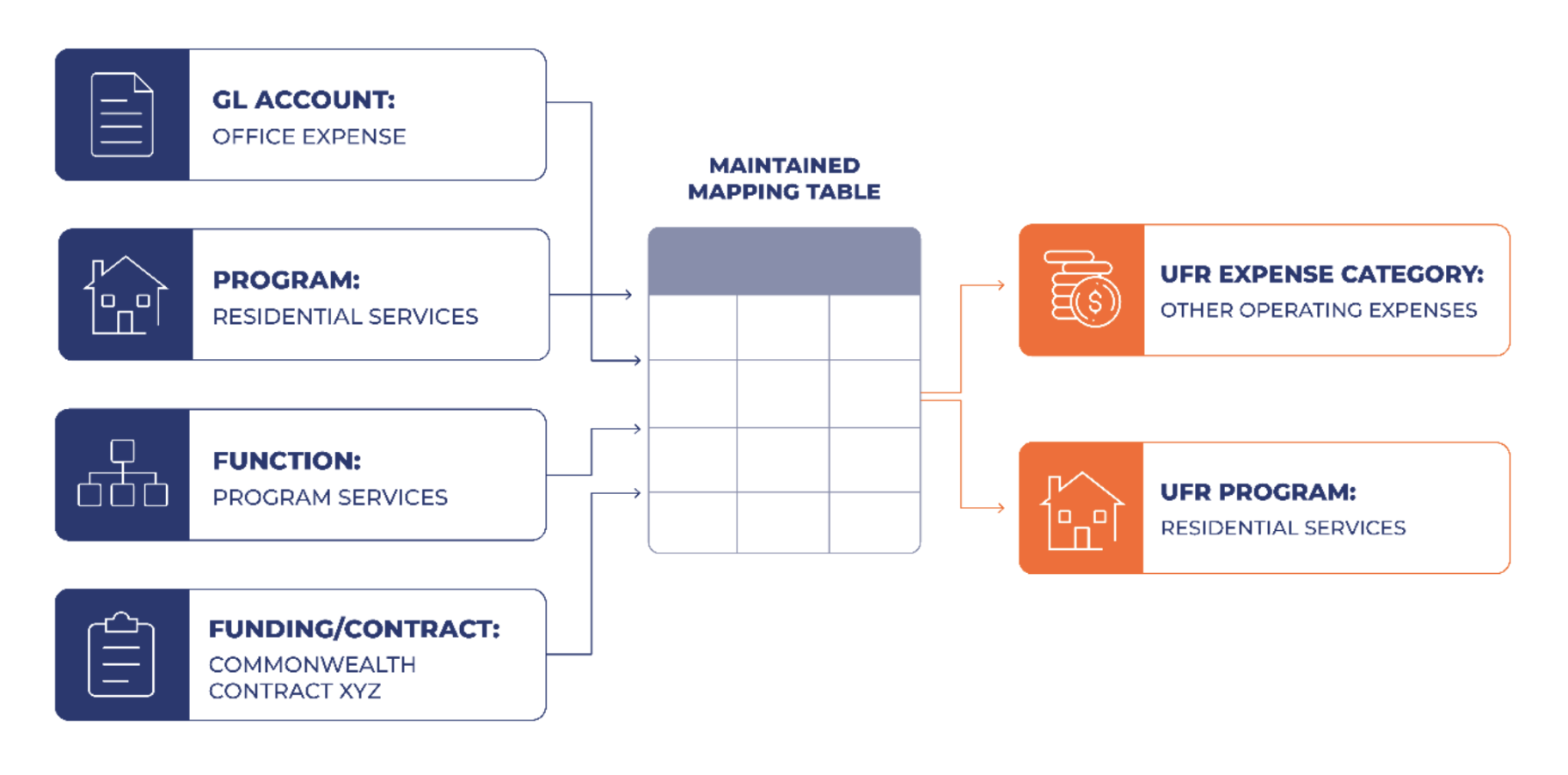
Once the mapping is established and maintained, you have a repeatable process instead of rebuilding the UFR from scratch every year.
The UFR mapping process also becomes part of your monthly accounting rather than solely a year-end exercise. When you review your UFR Statement of Activities by program and function throughout the year, you can identify exceptions, correct coding errors, and address necessary allocations as they happen rather than scrambling at year-end.
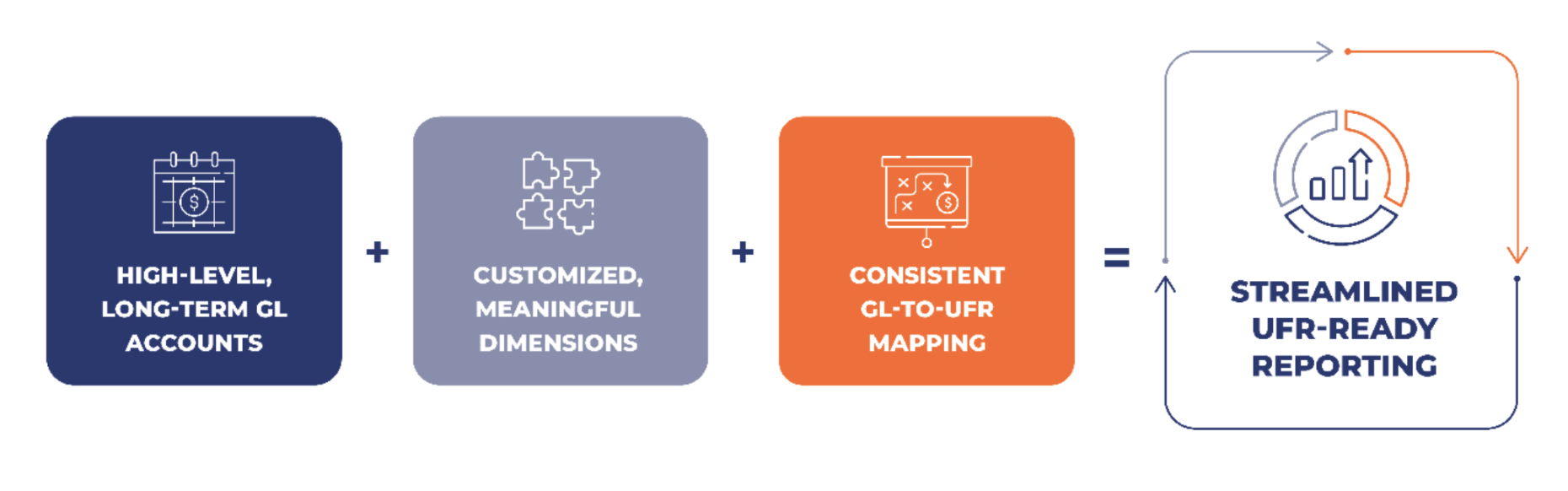
The more information captured when a transaction occurs, the less information Finance needs to reconstruct when the UFR deadline arrives. This dimensional mapping approach makes better use of the system you already have and will reduce the feelings of dread when it’s time to prepare your next UFR.
The UFR is only one of many outputs from your accounting data. Your accounting system needs to support financial reporting, budgeting, grant reporting, program management, and many other needs.

About the Author: Sandra Magri is a Director with YPTC (Your Part-Time Controller).